
CHEXX Mobile: Browser Experience and App Availability
CHEXX works through a mobile browser, and its current official “app” links for Android, iOS, MacOS and Windows lead to a CHEXX Progressive Web App installation page. The official instructions describe adding CHEXX from a supported browser to the device home screen or desktop. That is different from a verified native App Store or Google Play listing.
For a Singapore reader, the answer is simple: CHEXX supports mobile access and provides an installable PWA route. A native iOS or Android store app is not claimed here because CHEXX’s current mobile destination is the PWA flow, not a store listing.
The full picture is in our CHEXX review for Singapore.
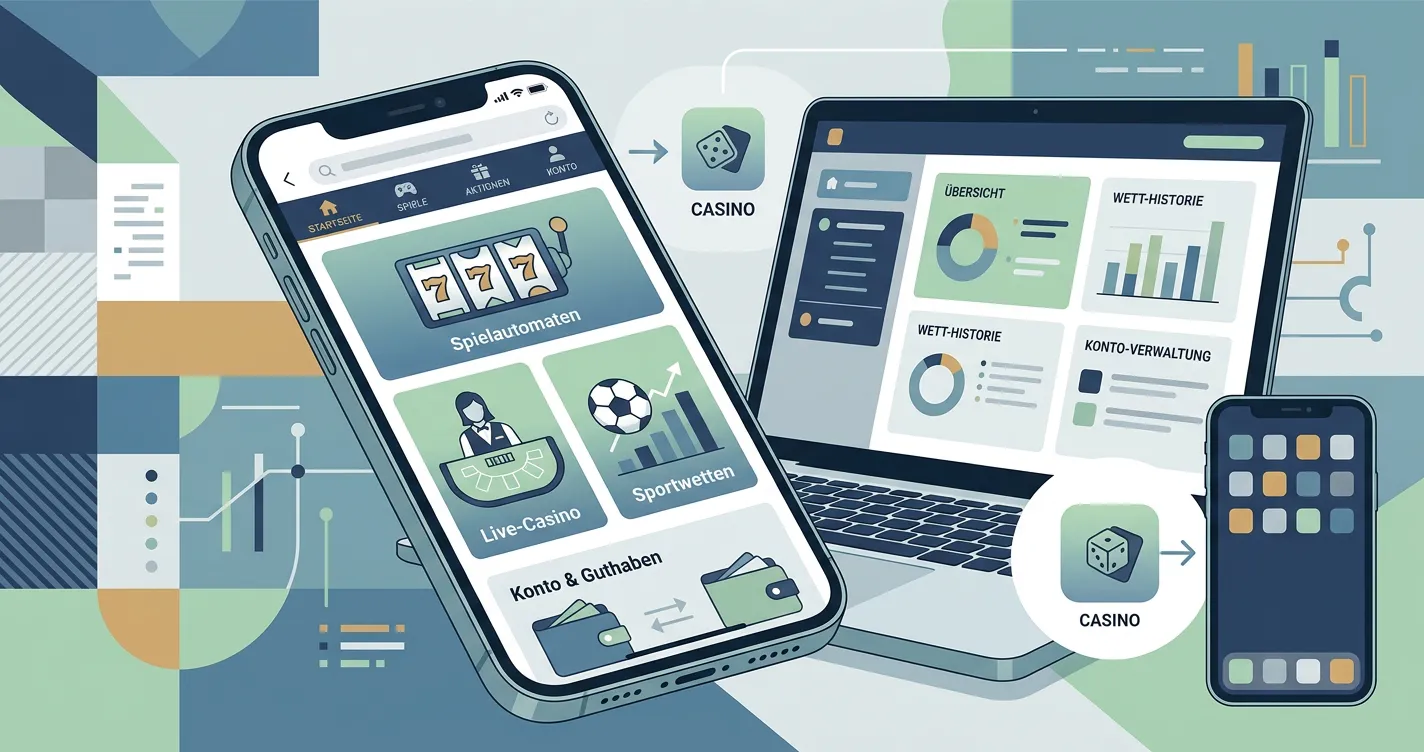
CHEXX mobile status at a glance
| Mobile question | Current verified position |
|---|---|
| Does CHEXX work in a mobile browser? | Yes. |
| Does the official site show Android and iOS app links? | Yes. |
| Where do those links go? | To CHEXX’s official PWA installation page. |
| Is a native App Store listing confirmed? | No. |
| Is a native Google Play listing confirmed? | No. |
| Desktop install labels? | Windows and MacOS use the same PWA installation flow. |
This resolves a common ambiguity. An operator can use the word “app” while delivering a Progressive Web App installed from the browser. That does not make the product fake or unusable, but it does mean users should not assume that the software has gone through a mobile app store distribution process.
What the CHEXX PWA actually is
A Progressive Web App is a website that can be added to a device’s home screen or desktop and launched in an app-like window. CHEXX’s current install page provides browser-specific instructions rather than an APK download or an App Store product page. It lists Chrome support across Android, iOS, Windows and MacOS, Safari on iOS and MacOS, and Samsung Internet on Android.
The official instructions tell Android users to open CHEXX in Chrome or Samsung Internet and add it to the home screen. For iOS, the page provides home-screen installation steps through Chrome or Safari. Windows and MacOS instructions likewise use browser installation or home-screen/dock actions.
That distinction matters because older or generic casino reviews can use “app” as a catch-all label. CHEXX’s current mobile information describes a PWA. APK advice, third-party download links and claims about a native package would therefore be unsupported by the official destination and could misrepresent how the product is actually installed.
Mobile browser versus installed PWA
The mobile browser and the PWA are closely related. Both are built from CHEXX’s web product, but the installed PWA creates a more app-like launch point from the home screen. CHEXX’s own install page also highlights notifications and quick access as PWA benefits.
The Android, iOS, MacOS and Windows labels should therefore be read as routes into platform-specific installation guidance, not as proof of four separate native clients. The current official destinations converge on CHEXX’s PWA instructions and name supported browsers for each platform. What changes by device is the installation method and launch location; the current official instructions still establish web/PWA access. That is why the operating-system labels alone cannot establish App Store, Google Play or standalone APK distribution.
| Use case | Mobile browser | Installed PWA |
|---|---|---|
| Open CHEXX | Navigate to the site in a browser | Launch from home screen or desktop |
| Installation source | No install required | Installed from a supported browser |
| App store required | No | No store listing is required for the checked PWA flow |
| Underlying product | Web experience | Web app installed in an app-like shell |
For someone deciding whether to install anything, the practical question is convenience rather than access. The browser route already establishes mobile availability. The PWA mainly reduces friction in reopening the service and can provide an app-like presentation.
Casino and live casino navigation on mobile
The official CHEXX mobile surface currently exposes Slots, Live Casino and Fast Games, alongside sportsbook and esports navigation. That means the mobile product is not presented as a cut-down sports-only or casino-only experience. The core categories visible on desktop are also represented in the mobile interface.
For detailed game catalogue information, use the CHEXX games. For streamed dealer tables specifically, the live casino covers that category in more depth. On mobile, the practical question is whether those sections remain accessible and usable without assuming that every desktop control is reproduced identically.
Live casino is the area where device conditions can matter most. A stable connection, sufficient screen space and reliable audio/video performance affect usability even when the page itself loads correctly. Those are normal mobile-streaming constraints, not CHEXX-specific guarantees about performance on every device or network.
Sportsbook and wallet access
CHEXX’s mobile page includes Sports and Esports navigation as part of the same product surface. The current official page also provides login access and presents the same crypto-focused account environment as the broader site. That supports the view that the mobile experience is intended to cover the main account journey rather than functioning as a promotional microsite.
Exact pixel-for-pixel parity across every mobile browser is not established. The practical way to assess mobile usability is to check whether the needed cashier control, verification step or account setting is present and usable on the current device rather than inferring complete interface parity from category navigation alone.
If the decision is primarily about registration and account setup, use the dedicated CHEXX account. Device compatibility does not replace the separate questions of account eligibility, age requirements, identity verification and Singapore legal restrictions.
What is not verified: native store distribution
The official CHEXX footer labels links as Android, iOS, MacOS and Windows. Those links open CHEXX’s browser-installation instructions, which explain how to add CHEXX to the home screen or dock.
The PWA installation flow does not establish a native Apple App Store listing, a native Google Play listing or a separately distributed Android APK. App distribution can change, but the current official destination leads to browser-based PWA installation rather than to a confirmed native-store product page.
Safe interpretation
If CHEXX later changes the destination to a native store page or separate package, the distribution model will change. At present, the current official route supports mobile web plus PWA installation rather than a confirmed native-store listing.
Why this matters for Singapore users
PWA distribution is technically different from local regulatory availability. Being able to open or install a web app does not prove that the operator has a Singapore gambling licence. Device compatibility and regulatory status are separate questions, and one should not be used as a shortcut for the other.
The same is true of app-store geography. Since the current CHEXX route is a browser-installed PWA, there is no confirmed Singapore App Store or Google Play availability claim based on the current official route. A reader should not infer local authorisation from the absence of a store gate or from the ability to add a website to a home screen.
Practical mobile usability checks
- Browser support: use a browser listed by CHEXX for PWA installation if you want the installed experience.
- Login: confirm that account access works cleanly before relying on a home-screen shortcut.
- Cashier: inspect the deposit and withdrawal screens on the actual device before moving funds.
- Live streaming: test connection stability before using live-dealer content.
- Notifications: decide whether browser or PWA notifications are useful and manage permissions at device level.
- Updates: because a PWA is web-based, treat the official site as the source of the current product rather than downloading files from third-party APK sites.
These checks are more useful than a simple “mobile friendly” score. A site can be responsive while still making a cashier awkward, or it can have an install shortcut while offering no extra functions beyond the browser. The decision depends on the tasks a user actually needs to perform.
Does the PWA provide an advantage over the browser?
The clearest advantage is convenience. A home-screen icon removes the need to type or bookmark the address, and the installed window can feel more like a conventional app. CHEXX also advertises device notifications and quick launch as part of its PWA pitch.
CHEXX’s install page does not establish that the PWA has exclusive games, faster withdrawals, different bonuses or stronger security than the browser version. Treat the PWA as an access format, not as a different casino product.
How CHEXX mobile access works today
CHEXX has a verified mobile browser experience, and its official Android, iOS, MacOS and Windows app links currently resolve to a Progressive Web App installation flow. The PWA can be added from supported browsers to a home screen or desktop, giving users an app-like shortcut without a verified native store listing.
For a Singapore reader, that is the most precise answer to the app question. Mobile access is real; native App Store or Google Play availability in Singapore is not established by the current official destination. Use the browser if you want the simplest route, install the PWA if you value a home-screen launch point, and avoid third-party APK claims that are not supported by CHEXX’s current official flow. For the broader platform assessment, return to the full CHEXX review.
An account comes first: registration.